Employee access is one of those IT details that is easy to overlook until something goes wrong.
A current employee has access to files they no longer need. A former employee still has an active account. A shared login is being used by multiple people. A manager is not sure who can view sensitive documents.
These issues may not seem urgent day to day, but they can create serious risk for your business.
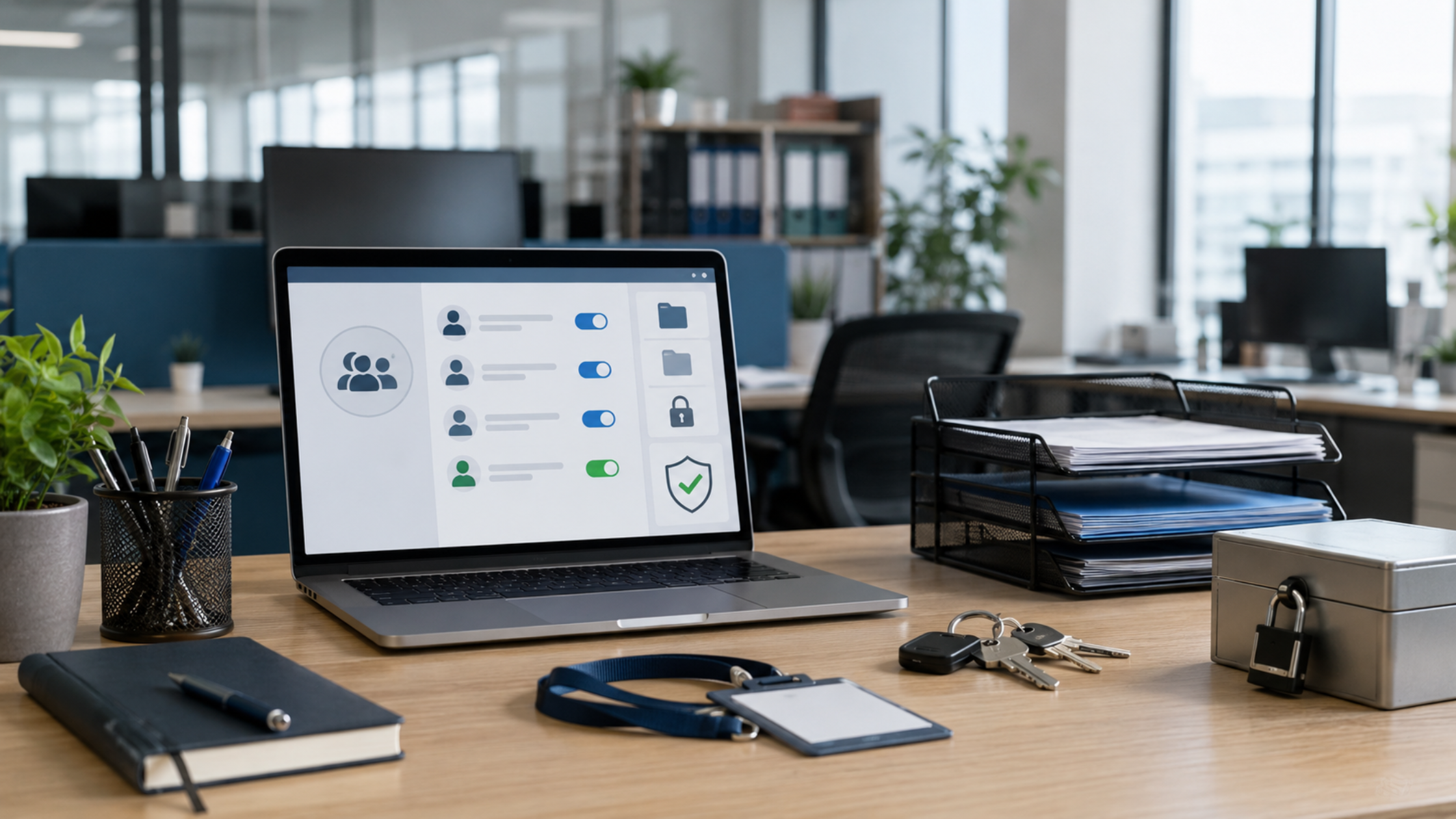
An employee access review helps you understand who has access to your systems, files, applications, and data. More importantly, it helps make sure that access still makes sense.
For business owners, this is not just an IT task. It is a security, compliance, and operations issue.
What Is an Employee Access Review?
An employee access review is a process of checking which employees have access to which business systems.
This may include:
Email accounts
File storage and shared drives
Accounting software
Client or patient records
Industry specific software
Cloud applications
Admin accounts
VPN or remote access tools
Company devices
Password managers
The goal is simple: make sure each employee has the access they need to do their job, and nothing more.
This is sometimes called the principle of least privilege. In plain terms, it means employees should only have access to the systems and information that are necessary for their role.
Why Access Reviews Matter
Access can get messy over time.
Employees change roles. New software gets added. Temporary access is granted for a project. Managers leave. Shared folders expand. Former employees may not be fully removed from every system.
Without regular reviews, businesses can lose track of who can access what.
That can lead to:
Unnecessary exposure of sensitive data
Former employees retaining access
Employees viewing information outside their role
Shared passwords and unclear accountability
Compliance concerns
Greater damage if an account is compromised
The more access an account has, the more risk it creates if that account is misused, stolen, or forgotten.
Former Employees Are a Common Risk
One of the biggest reasons to complete access reviews is to catch old accounts.
When an employee leaves, their access should be removed quickly and completely. That includes email, software, cloud tools, shared drives, remote access, and any third party applications they used for work.
The challenge is that access does not always live in one place.
A former employee may be removed from email but still have access to a cloud application. They may lose access to one system but remain listed as a user in another. They may still know a shared password that was never changed.
Even when there is no bad intent, lingering access creates avoidable risk.
Current Employees May Have Too Much Access
Access reviews are not only about former employees.
Current employees can also end up with more access than they need. This often happens when someone changes roles, helps with a temporary task, or receives admin access for convenience.
Over time, that extra access can build up.
For example, an employee who moved from billing to operations may still have access to financial records. A staff member who helped with a short term project may still have access to confidential files. A manager may have admin permissions they no longer use.
When access is not reviewed, old permissions can stay in place for years.
Shared Logins Make Reviews Harder
Shared logins may seem convenient, but they make access harder to manage.
If multiple people use the same username and password, it becomes difficult to know who changed a file, sent a message, downloaded data, or approved an action.
Shared logins can also make employee exits more risky. If someone leaves and still knows the shared password, your business may need to change that password everywhere it was used.
Whenever possible, each employee should have their own account. This improves accountability and makes it easier to manage access when someone joins, leaves, or changes roles.
When Should Businesses Review Access?
Employee access should be reviewed regularly, not only when there is a problem.
A good starting point is to complete an access review at least once or twice a year. Businesses with sensitive data, compliance requirements, or frequent staffing changes may need to review access more often.
Access should also be reviewed when:
An employee leaves
An employee changes roles
A manager or administrator leaves
New software is added
A vendor relationship changes
A security concern comes up
A business prepares for an audit or compliance review
The goal is to catch issues before they become expensive problems.
What Business Owners Should Look For
During an access review, business owners and managers should look for anything that does not match the employee’s current role.
Ask questions like:
Does this employee still work here?
Does this employee still need this system?
Does this employee need admin access?
Are any shared accounts being used?
Are former employees fully removed?
Are temporary permissions still active?
Can employees access files outside their department or role?
Are remote access tools limited to the right people?
These questions can reveal gaps that may otherwise go unnoticed.
Access Reviews Support Better Security
Strong cybersecurity is not only about tools. It is also about control.
If your business does not know who has access to what, it is harder to protect your data. It is also harder to respond quickly if something suspicious happens.
Access reviews help reduce unnecessary risk by limiting exposure. They also make it easier to spot unusual activity, remove outdated permissions, and keep sensitive information in the right hands.
For businesses in healthcare, finance, legal, manufacturing, or any industry that handles confidential information, access reviews are especially important.
RBS IT Can Help
At RBS IT, we help businesses review employee access, clean up old permissions, remove unnecessary risk, and create better processes for onboarding and offboarding.
Access reviews do not have to be overwhelming. With the right process, they can become a regular part of keeping your business secure and organized.
If you are not sure who currently has access to your systems, files, or applications, now is the right time to find out.