Cybersecurity can feel overwhelming for small business owners.
There are a lot of tools, warnings, risks, and technical terms. It can be hard to know what matters most, what applies to your business, and what should be handled first.
But cybersecurity does not have to start with a complicated project.
For many businesses, it starts with understanding the basics and making sure the right protections are in place before something goes wrong.
Cybersecurity is not just about stopping hackers. It is about protecting your employees, your customers, your company data, your financial information, your operations, and your reputation.
A cyber incident can affect how your team works, how your customers trust you, and how quickly your business can recover.
That is why small business cybersecurity needs to be practical, clear, and built around how your team actually works.
Small Businesses Are Still Targets
Many small businesses assume they are too small to be targeted.
Unfortunately, attackers do not always choose targets based on company size. They often look for easy openings.
A reused password.
An old employee account.
A missing MFA setting.
A device that has not been updated.
An employee who clicks a convincing email.
A backup that has not been tested.
Those gaps can exist in businesses of any size.
Small businesses can be especially vulnerable because they may not have a full internal IT team watching for issues every day. Employees are busy. Owners are focused on operations. Systems get added as the business grows. Access gets shared because it is convenient.
None of that usually happens because someone is being careless.
It happens because the business is moving quickly.
That is why the basics matter.
Passwords Are Only One Layer of Protection
Strong passwords are important, but passwords alone are not enough.
A password can be reused, stolen, guessed, exposed in a data breach, or entered into a fake login page. Even a strong password can create risk if it is used across multiple accounts.
This is why small businesses should avoid password reuse and shared logins whenever possible.
If one employee uses the same password for email, cloud storage, accounting software, and a personal account, one exposed password can become a much bigger problem.
A password manager can help solve this. It gives employees a secure place to store unique passwords without having to remember every login. It also reduces the temptation to write passwords down, save them in unsafe places, or reuse the same password across multiple systems.
Every account should have its own key.
MFA Adds an Important Second Layer
Multi-factor authentication, or MFA, is one of the most important cybersecurity basics for small businesses.
MFA requires something more than just a password to access an account. That extra step may be a phone prompt, app notification, code, or other verification method.
This matters because if a password is stolen, MFA can help stop someone from getting into the account.
For businesses, MFA should be used on systems that contain or connect to sensitive information. That includes email, cloud storage, accounting software, financial tools, remote access, customer databases, and administrative accounts.
Email is especially important.
If an attacker gets into a company inbox, they may be able to reset other passwords, impersonate employees, access files, contact vendors, or send convincing messages to customers.
MFA does not make your business invincible, but it makes unauthorized access much harder.
Employees Need Security That Works in Real Life
Your employees are one of your strongest lines of defense.
They are also busy, distracted, and trying to get their work done.
That is why cybersecurity should not depend on every employee making the perfect decision every time. Your systems and processes should make safe decisions easier.
Phishing emails are a good example.
A suspicious message may look like a vendor invoice, file share, bank alert, password reset, delivery notice, or message from leadership. The goal is usually to get someone to click a link, open an attachment, send information, approve a payment, or enter login credentials.
Employees need to know what to watch for, but they also need to know what to do next.
Who should they ask if something feels off?
How should they report a suspicious message?
What requests need extra approval?
What should they do if they accidentally click?
The goal is not to scare your team. The goal is to give them a clear path.
Good security planning assumes people are human and builds protection around that reality.
Access Should Match the Role
Not every employee needs access to every system.
As businesses grow, access can get messy. New employees are added. Roles change. Vendors are given temporary access. Software accounts are created for one project and forgotten later.
Over time, too many people may have access to too many things.
That creates risk.
If an account is compromised, the amount of damage depends partly on what that account can reach. An employee who only needs access to one system should not have access to everything.
Small businesses should regularly review who can access company email, shared files, cloud storage, financial tools, customer records, HR systems, vendor portals, and administrative settings.
Clean access helps protect your business and makes employee changes easier to manage.
Backups Are Part of Cybersecurity
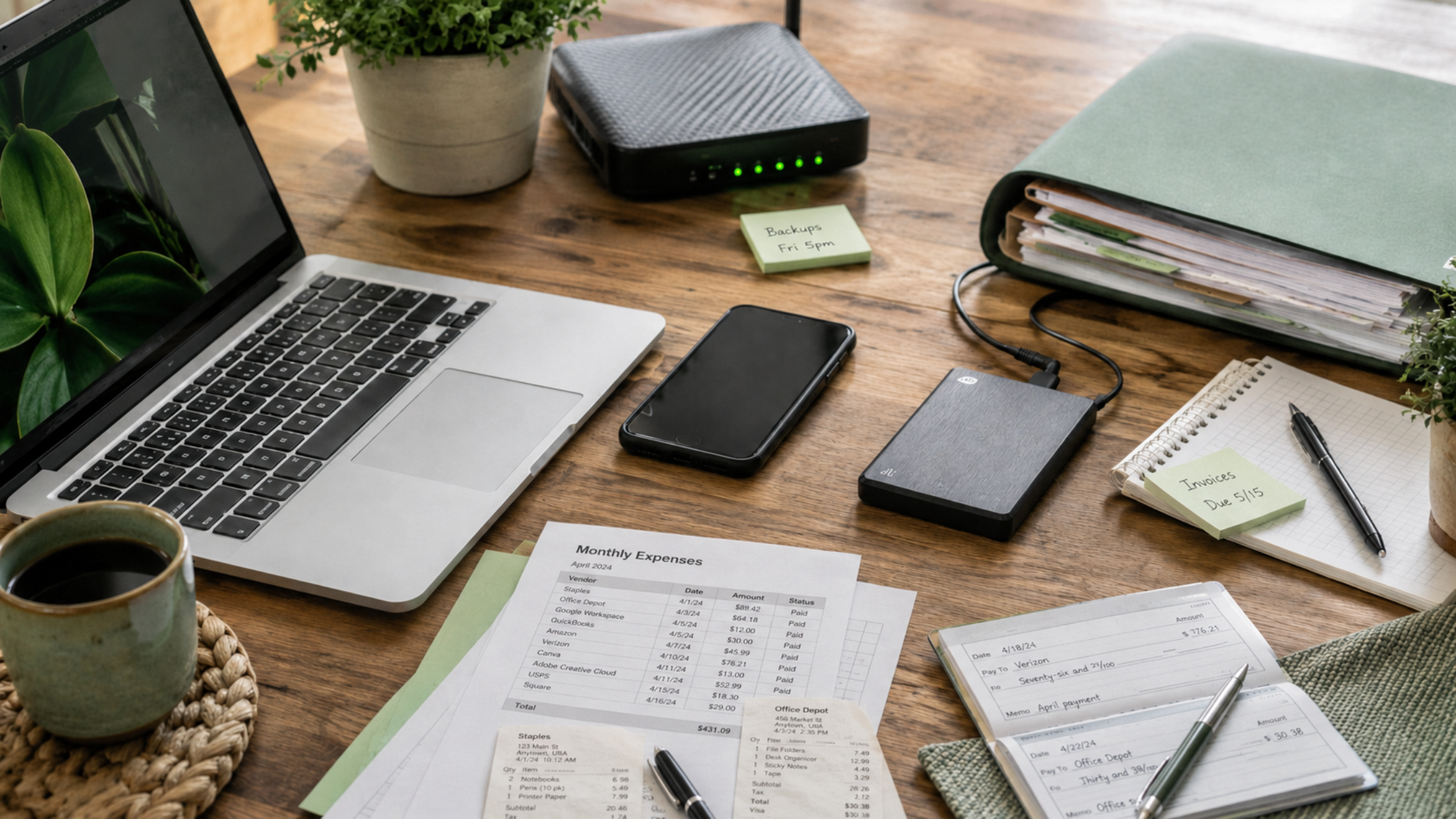
Backups are not just an IT convenience. They are part of your cybersecurity plan.
If your business experiences ransomware, accidental deletion, hardware failure, software issues, or data loss, backups may be what allow you to recover.
But having backups is not the same as knowing they work.
Your business should understand what is being backed up, how often backups run, where backups are stored, and how quickly information can be restored.
If your business lost access to important files tomorrow, would you know what could be recovered?
If the answer is unclear, your backup plan needs review.
For businesses, downtime can affect customers, billing, scheduling, communication, production, and daily operations. Backups help protect more than data. They help protect business continuity.
Monitoring Helps Catch Problems Earlier
A lot of cybersecurity issues become more serious because no one sees them early enough.
Suspicious login attempts, unusual file activity, inactive accounts being used, or access from an unexpected location can all be warning signs.
The question is whether anyone is watching.
For many small businesses, the current plan is to react after someone notices a problem. But you cannot respond to what you do not see.
That is where monitoring matters.
Better visibility can help identify unusual behavior before it turns into a larger disruption. It also gives your business a stronger chance of responding quickly when something looks wrong.
Cybersecurity is not only about prevention. It is also about detection and response.
Cybersecurity Should Grow with Your Business
Your cybersecurity needs will change as your business changes.
Hiring new employees, adding software, working with new vendors, moving to the cloud, opening another location, or changing processes can all create new risks.
That does not mean growth is bad. It means technology and security need to be part of the planning process.
A growing business should ask:
Are new employees getting secure access from day one?
Are old accounts being removed?
Are new tools being reviewed before they are used?
Are employees trained on how to handle sensitive information?
Are backups and monitoring keeping up with the business?
Cybersecurity should not be something you think about only after a problem happens.
It should be part of how your business operates.
Cybersecurity Support for Businesses
Cybersecurity does not have to be overwhelming, but it does need to be intentional.
For most small businesses, the strongest starting point is getting the basics right. That includes unique passwords, MFA, employee awareness, clean access, reliable backups, monitoring, and a clear response process.
At RBS IT, we help businesses build practical cybersecurity plans that fit the way their teams actually work.
Our goal is not to make security complicated. It is to make it manageable, effective, and aligned with your business.
As trusted, relational IT experts, we work with businesses to reduce risk, support employees, and protect the systems they rely on every day.
If your business is not sure where its biggest cybersecurity gaps are, now is a good time to take a closer look.
Call us at 316.330.5444 or book a quick discovery call.
And if you know a business that could use a better understanding of cybersecurity basics, send this their way.